
Technician Pathways are structured sequences of courses and milestones for MSP service desk roles. Service managers and learning managers can use them to onboard new technicians, close skill gaps on the current team, and prepare employees for more advanced work. Choose a pathway based on what the technician already knows and what they need to be able to do next.
Empath Technician Pathways, Reimagined for MSPs - Watch Video
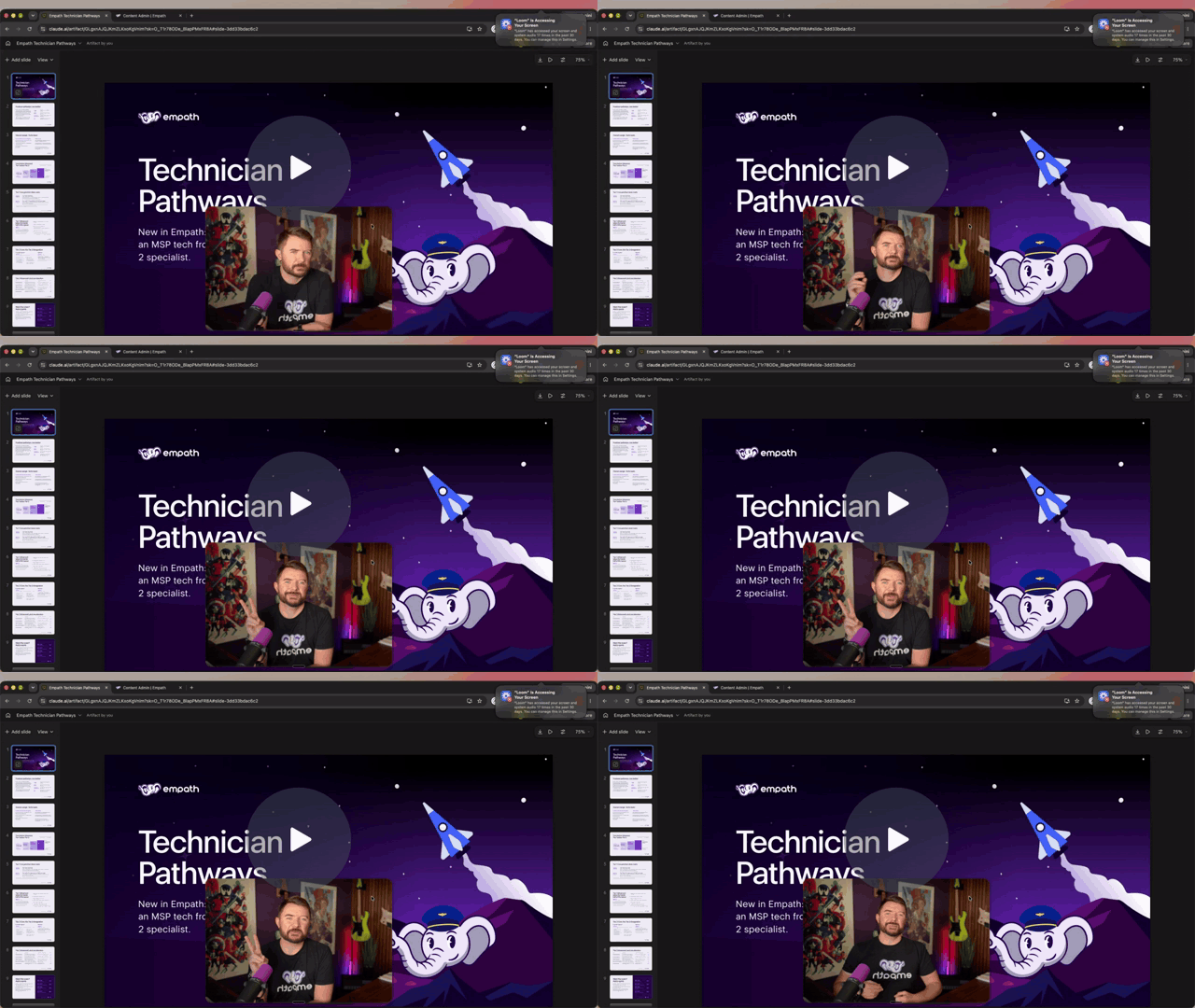
Watch Kyle’s Technician Pathways walkthrough on Loom
How Technician Pathways are organized| Pathway level | Who it’s for | What it covers |
|---|---|---|
| Tier 1 Core | New service desk technicians and employees who need a refresher on foundational skills | Service desk communication, how MSPs operate, first-call triage, IT fundamentals, and basic Microsoft 365 skills. |
| Tier 1 Advanced | Tier 1 technicians who are ready to resolve a wider range of tickets | Troubleshooting identity, email, applications, Windows, and printers, plus basic Mac troubleshooting and security triage. Technicians also practice deciding when to escalate. |
| Tier 2 Core | New Tier 2 hires, Tier 1 technicians preparing for escalation work, and current Tier 2 technicians with skill gaps | Escalation engineering and networking, including Microsoft 365, endpoint management, PowerShell, Windows Server, Active Directory, backups, and topics aligned with Network+. |
| Tier 2 Advanced | Tier 2 technicians building expertise in a specific area | Specialist training in areas such as systems, cybersecurity, Microsoft 365, or leadership. Start with one path that fits the technician’s goals or a skill the team needs. |
Pathway milestones help the technician get started, learn the material, check their understanding, demonstrate skills, and wrap up the training. Some courses include hands-on labs.
Choose and assign a pathway- Start with the technician’s current role. Review their time in the role, experience, existing certifications, and career goals. Identify the work they should be able to handle after training.
- Find the pathway in the Library. Open More Filters and select Pathways under Content Type. Use the Empath provider filter to narrow the results to pathways built by Empath.
- Review the milestones. Assign the pathway as provided, or create a copy to customize it. For example, you can adapt the kickoff lesson, add a video, or remove a certification milestone the technician has already met.
- Assign the pathway and schedule training time. Agree on a realistic weekly commitment and put time on the calendar. When the MSP requires the skill for the technician’s current role or a business need, schedule training during work hours.
- Review progress and demonstrated skills. Check milestone progress in Empath during regular check-ins. Use knowledge checks, available labs, and examples from the technician’s work to discuss what they can handle independently and where they still need practice.
Jump to the pathway and Library demo in Loom
Confirm the assignmentAfter assigning a pathway, verify that it appears for the intended technician and that they can open the kickoff lesson. At the first check-in, confirm that you can see their milestone progress in Empath.
Common questionsShould a new Tier 2 technician start with a specialization?
Start with Tier 2 Core if the technician still needs to build or demonstrate escalation and networking skills. Once those skills are in place, choose a specialization based on the work they’ll take on.
How should we use certification-aligned training?
Use it to build and assess skills that apply to the role. If the technician is pursuing a credential, review the certification-specific pathway for additional training and confirm the exam requirements separately.
How should we use pathway completion in promotion decisions?
Use the technician’s progress alongside demonstrated skills and the requirements of the target role. For example, a Tier 1 technician preparing for Tier 2 could demonstrate that they can troubleshoot the types of escalated tickets your Tier 2 team handles.
For help choosing, customizing, or assigning a pathway, email support@empathmsp.com or use the in-app chat bubble.