
Our subscription and payment management is handled through Chargebee, making it easy for approved billing users to access invoice history and download receipts as needed.
How to download your receipt
- Visit the Empath billing portal:
https://empathmsp.chargebeeportal.com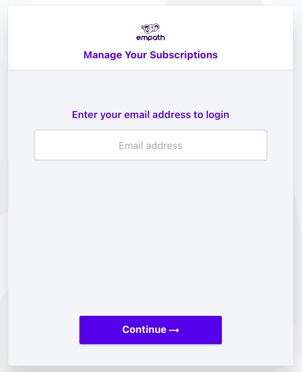
- Log in using the email address of an approved Empath billing user.
- After signing in, select the subscription you’d like to view.
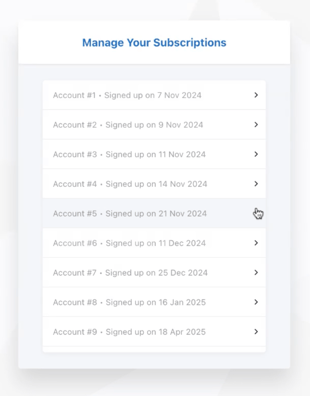
- Click into Billing History.
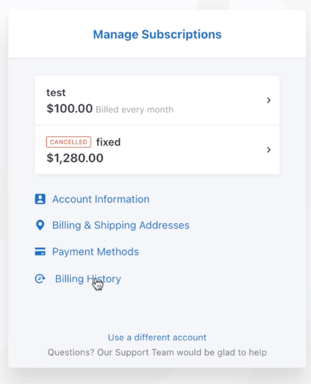
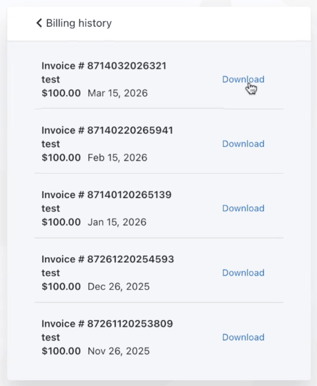
- Locate the billing period you need.
- Select Download to download the paid invoice for that period.
Who can access billing?
Only approved Empath billing users can view subscription billing history and download invoices.
If you need to add a new billing user, have your account admin email support@empathmsp.com with the request, and our team can help get that user added.
Having trouble?
If you can’t access the portal or can’t find the invoice you need, contact support@empathmsp.com and we’ll help you get what you need.