
Summary
Empath requires content to be assigned before progress and knowledge checks can be tracked. If an employee finds a course or pathway that has not been assigned to them, they can request assignment approval.
This update introduces a new step that allows employees to choose which manager should receive their assignment request. Instead of notifying every manager in the tenant, the request is sent only to the selected manager.
This change reduces notification noise and gives employees more control over who reviews their request while we continue developing a more advanced assignment management system.
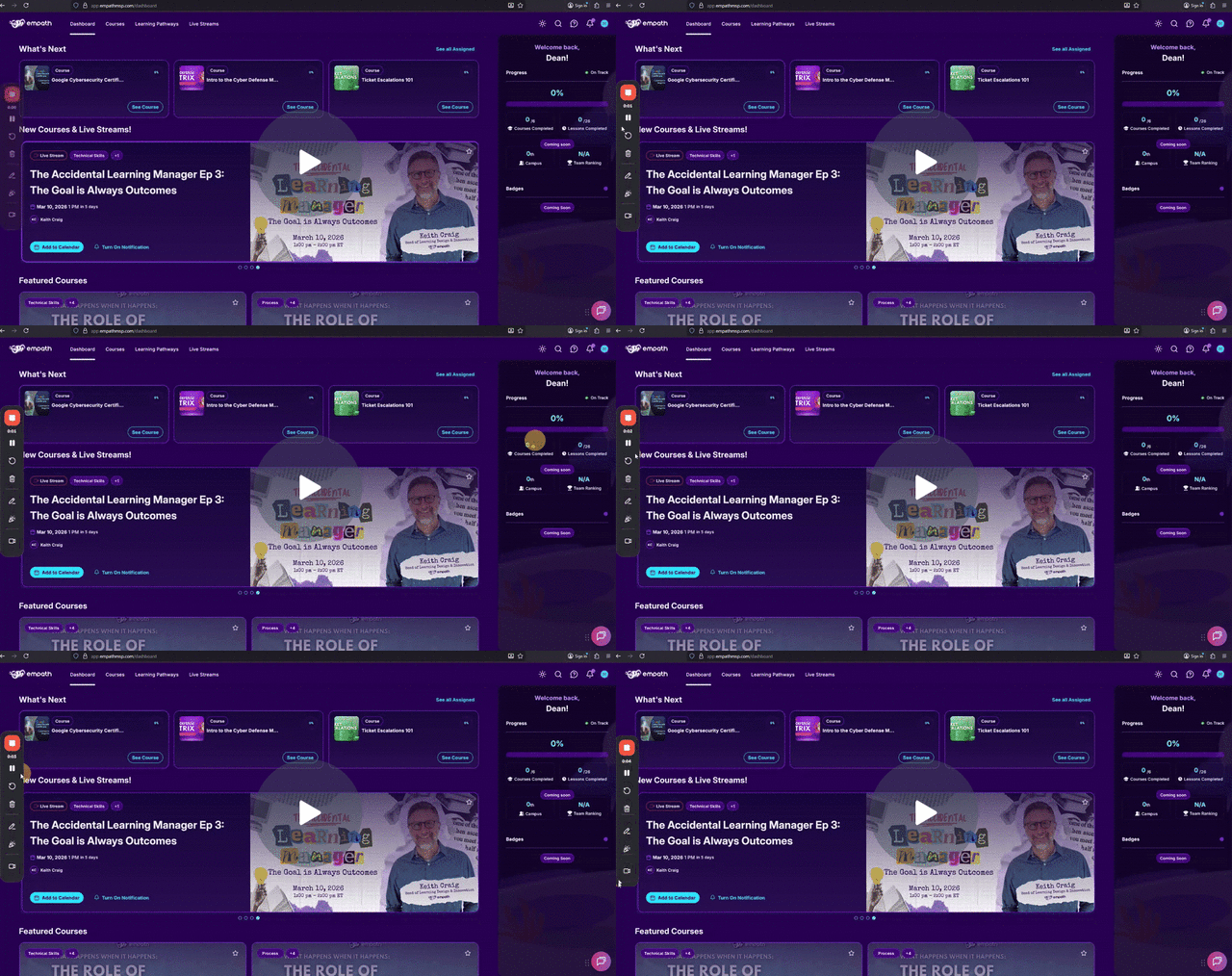
A Loom walkthrough video is included below that demonstrates the full workflow.
Updates to Content Assignment Requesting System - Watch Video
What Changed
Previously, when an employee clicked Request Assignment, the platform automatically sent a notification email to every manager in the tenant.
The updated system adds a selection step.
Employees now choose which manager receives the assignment request.
This creates a cleaner approval process and prevents unnecessary notifications across the organization.
How the Assignment Request Process Works
Step 1: Employee Finds Content
An employee browses the course catalog and selects content that has not been assigned to them.
If they click Start Learning, Empath will display a notice explaining that the course is not currently assigned and progress will not be tracked.
Step 2: Employee Requests Assignment
The employee clicks Request Assignment.
A new dialog appears allowing them to choose which manager should receive the request.
The employee selects the appropriate manager and sends the request.
Step 3: Manager Receives Notification
The selected manager receives an email notification from Empath indicating that an employee has requested assignment to a course.
The notification includes a direct link to review the request.
Manager Approval Workflow
Step 1: Open the Request
The manager clicks the link in the notification email.
This opens the requested course inside the Empath platform.
Step 2: Review the Request
The manager can see which employee requested the assignment and review the course.
Step 3: Assign the Course
The manager sets a due date and clicks Assign Course.
Once assigned, the employee will immediately see the course in their assigned content list.
Confirming the Assignment
Managers can confirm the assignment by navigating to:
Members → Select the employee → Assigned Courses
The newly assigned course will appear in the employee’s course list with the selected due date.
Employees can also confirm the assignment by refreshing their dashboard and reviewing their Assigned Courses list.
Important Notes
Employees must choose the correct manager when submitting a request.
Managers must approve the assignment before the employee can track progress or complete knowledge checks.
Employees may need to refresh their dashboard to see newly assigned content.
This update is a temporary improvement while a more advanced assignment management system is under development.
Best Practice
Encourage employees to send requests to the manager responsible for training or role development.
This helps keep assignment approvals organized and ensures requests are reviewed quickly.
Troubleshooting
I did not receive the request email
Check spam filters or email security systems.
You may need to whitelist Empath notification emails.
The employee still cannot access the course
Confirm the course was assigned and that the employee refreshed their dashboard.
The request went to the wrong manager
The manager who received the request can still assign the course or ask the employee to submit a new request.
There is no notification to the employee that will indicate they sent the request to the wrong manager.
Related Articles
Whitelisting Empath
Where do I see assignment requests?
How does assignment and progress tracking work?